A record after the class, not a photo of a register
WorkClave stores who was present and what the session record says. The export is meant for payroll and attendance reconciliation, not for another workbook.
WorkClave keeps attendance and session records for a class, a cohort, or a remote batch. Coordinators export them for payroll and compliance. If the campus wants a reader at the door, we install the biometric device and point it at the same record.
The class ends. The register is a notebook, a photo in a WhatsApp group, or a column in a sheet that three people edit. Payroll, the parent, and the coordinator all ask a different version of the same question the next morning: who was actually there? Someone rebuilds the answer by hand.
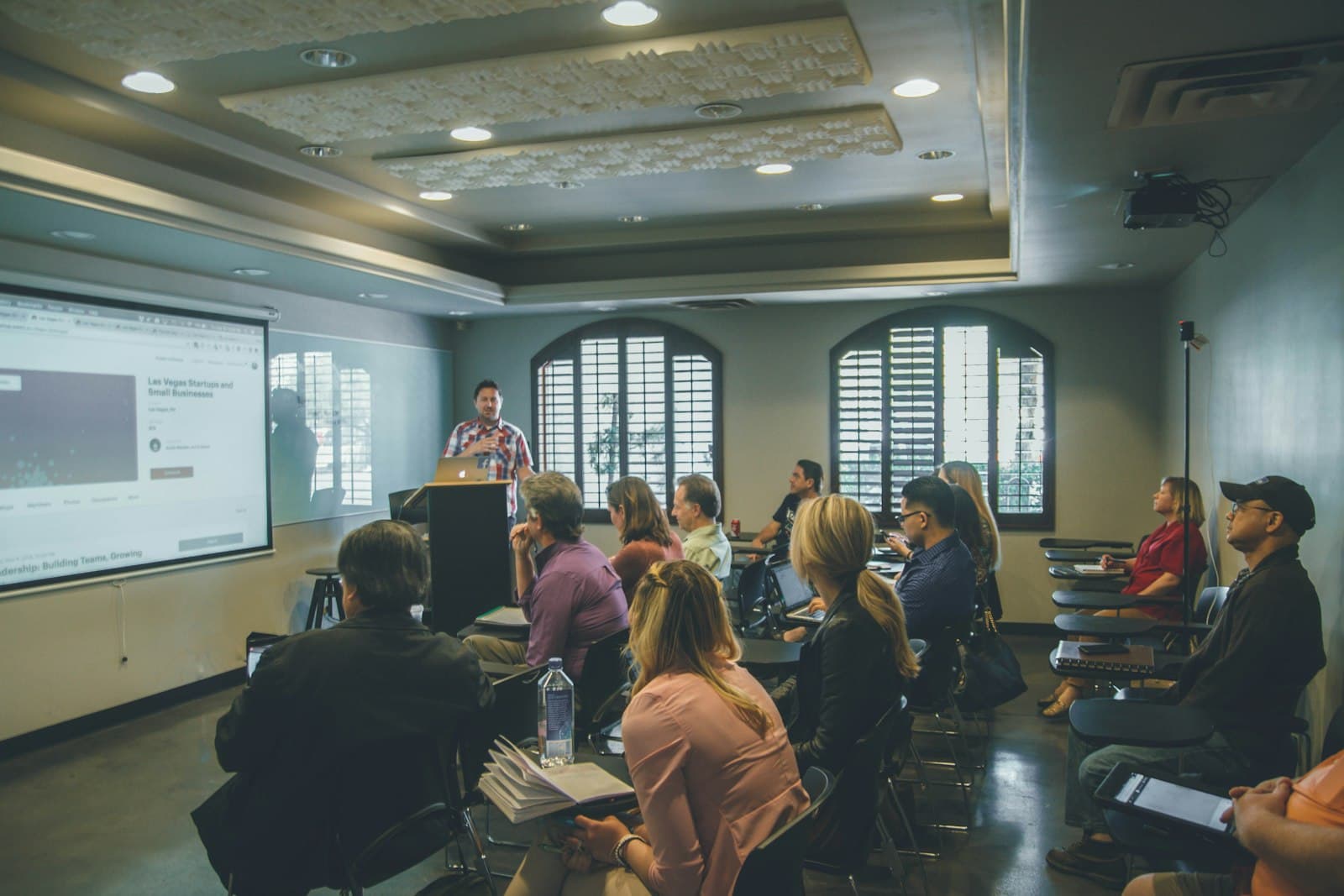
WorkClave keeps the attendance and the session record for a batch, a course, or a remote class. Coordinators export it. If the campus wants a reader at the door, we install a fingerprint, face, or card device and point it at that same record. Moodle or Google Classroom can stay the place the course lives.
A coaching centre with morning and evening batches, or a college department with a lab and a theory class, already has an LMS or at least a Drive folder. Attendance is the piece that falls out. The teacher marks it. The centre manager needs it for fees and follow-up. The accountant needs it when pay depends on sessions taken. Those three copies drift by Wednesday.
WorkClave is the copy they share. Presence is a reviewable record. Session evidence sits next to the mark, so “present” is not the only fact. The export is meant for payroll and reconciliation, which is the question finance actually asks. SSK Company is quoted on our homepage as a WorkClave customer for attendance, leave, and workforce tracking. That quote is about an organization using the product. It is not a claim that every institute will see the same result.
On-site batches can use a reader. We survey power and the entry point, recommend fingerprint, face, or a card hybrid, and enroll people on site. Devices can keep a log without internet and sync when the line is back. If you already own a reader, send the model. WorkClave supports standard device log formats, and we would rather confirm that than sell you a second machine.
Remote batches do not need a door. The session itself writes the attendance and engagement record. Zoom or Google Meet can stay the room. WorkClave is not trying to be the video tool. It is the record after the class.
Leave the course content where it is. Google Classroom and Moodle are what many schools and colleges already run for assignments. Buying a second LMS so you can mark attendance is how institutes end up with two logins and the same notebook.
Write the rule on paper first. Which batches count. What an exception is. Who is allowed to correct a mark after the class, and how that correction is visible later. If those answers live only in the coordinator’s head, the software will reproduce the argument, not end it.
Pilot one batch or one building. A reader on every door on Monday, before anyone trusts the report, is how the project gets blamed for a queue at 8am. Run a week. Compare the export to the notebook you still keep. Then add the next batch.
Hardware and software are separate purchases. You can run WorkClave without a device. You should not buy a box of readers from us, or from anyone, until the report a coordinator needs is defined.
These marks name products people in this work already use. They are not Mecverse customers and they are not endorsements.
Google Classroom
Course posts and assignments for many schools
Moodle
The LMS a lot of colleges already pay to keep
Zoom
Where remote batches actually meet
Google Meet
The other room remote classes use
What changes
Coaching centres, colleges, and training teams with more than one batch
WorkClave stores who was present and what the session record says. The export is meant for payroll and attendance reconciliation, not for another workbook.
On-site batches can use a fingerprint, face, or card reader. Remote batches use the session record. The device does not have to be the whole system.
Teachers mark the class. The person who answers “who was absent this week?” reads the same record.
The solution
Presence is a reviewable record, not a tick that disappears when the sheet is lost.
Engagement and session evidence sit next to the attendance mark.
Reports are shaped for payroll and reconciliation, which is the question finance actually asks.
WorkClave reads standard biometric device logs. Send the model and we confirm it before you buy another unit.
01
Which batches count, what an exception is, and who is allowed to correct a mark.
02
A reader at the door, or the remote session, writes into WorkClave. Nobody retypes the register at 8pm.
03
The coordinator sends the report. The LMS stays the place course content lives.
Buying guides
Compare the right software by year and use case. These are editorial recommendations, not a claim of universal market ranking.
Recruitment & staffing
Run the first interview before a recruiter gets on a call
Software & IT teams
One queue for the Slack message, the Sentry error, and the GitHub issue
Customer support
Answer the questions you already answer every day
Offices & distributed teams
Attendance, the broken laptop, and the request that died in chat
Campus hiring
One first round for the whole batch
Clinics and practices
Answer the reception questions. Refuse the clinical ones.
Voice and AI products
Stop rewriting the codec layer for every provider
Computer maintenance
A maintenance contract that says what is included
Questions
No. Leave course content there. WorkClave is the attendance and session record when the LMS register is not what payroll or the coordinator needs.
Often. WorkClave supports standard device log formats. Tell us the model before you buy a new one.
Yes. Remote sessions write an attendance and engagement record. A device is only for the door.
Tell us what your team is trying to improve. We’ll recommend a focused setup instead of selling you a stack you do not need.
Book a conversation