WhatsApp Business App vs API: Which One Does Your Business Need?
The free WhatsApp Business app and the WhatsApp Business API solve different problems. Compare cost, team access, automation and limits to pick the right one.
By the Mecverse team · 7 Oct 2026 · 5 min read
Key takeaways
- The WhatsApp Business app is free and built for one owner or a small team replying by hand from a phone.
- The API is built for volume, multiple agents, automation and CRM integration, and it costs money per template message.
- The API has no chat screen of its own: you use it through a BSP inbox, a CRM or your own software.
- Move to the API when replies are slipping, more than a couple of people need the same inbox, or you need automated updates.
The short answer
If one or two people answer customer messages from a phone and it is working, stay on the free WhatsApp Business app. If messages are getting missed, several staff need the same number, or you want order updates and reminders to go out automatically, you need the WhatsApp Business API.
The names make them sound like a basic and a premium version of one product. They are not. The app is a phone app. The API is a programmatic interface that your software talks to. That difference drives everything else: cost, setup, who can use it and what it can do.
What each one actually is
WhatsApp Business app
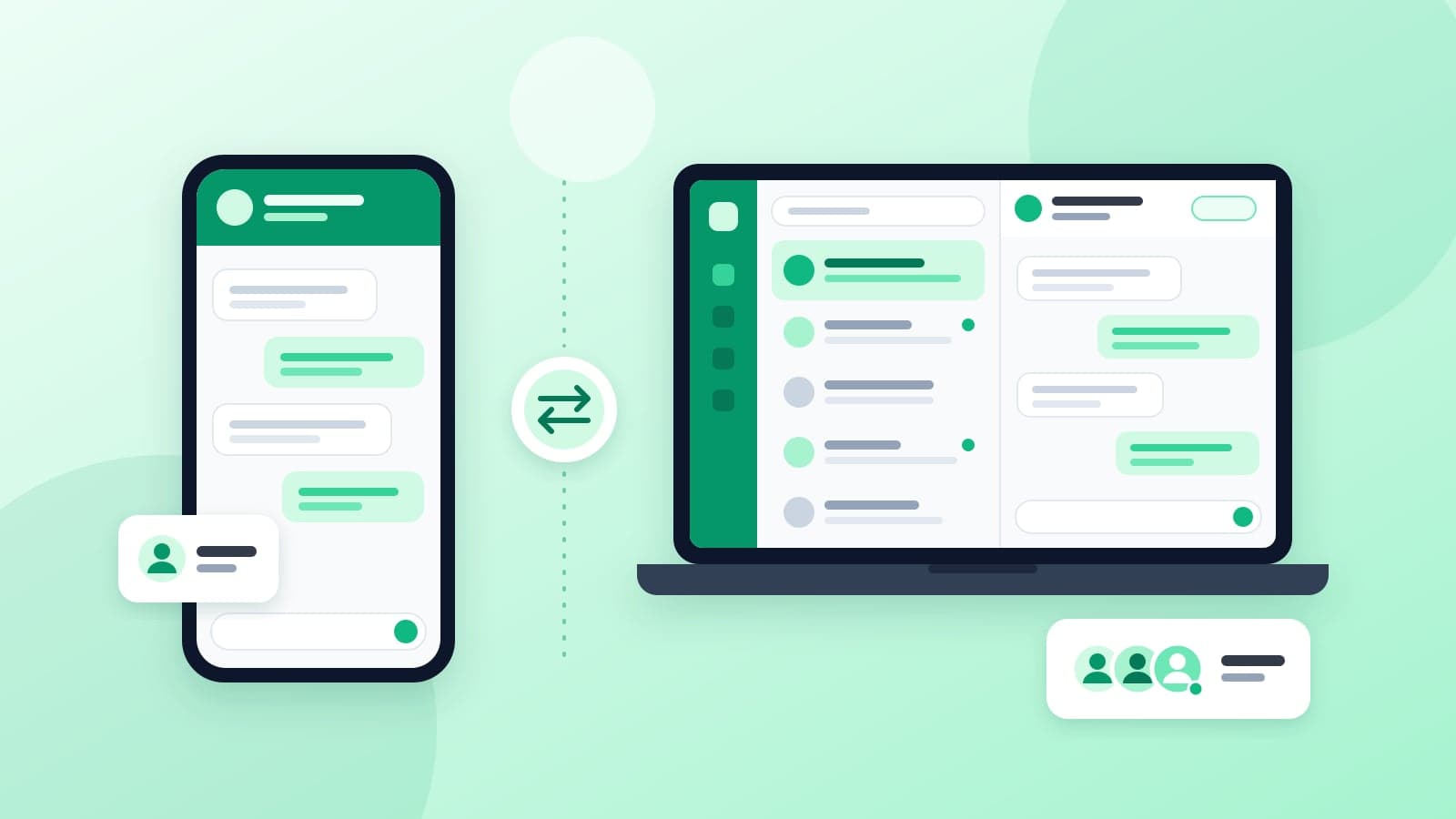
A free app from Meta for Android and iPhone. You register a number, set up a business profile and reply to customers yourself. It includes small-business tools such as a product catalog, quick replies, greeting and away messages, and labels to sort chats. You can link a few extra devices so a colleague can reply from a laptop.
WhatsApp Business API
An interface for sending and receiving WhatsApp messages from software. It suits order updates, delivery notifications, OTPs and support conversations at a volume the app cannot handle. Most businesses get access through a Business Solution Provider (BSP), which supplies the dashboard or connection your team uses. Meta's developer documentation for the platform is at developers.facebook.com/docs/whatsapp.
Side-by-side comparison
| WhatsApp Business app | WhatsApp Business API | |
|---|---|---|
| Cost | Free | Setup fee, BSP subscription and Meta's per-message charges |
| Where you reply | Phone app plus a few linked devices | BSP inbox, CRM, helpdesk or custom software |
| Team access | Shared login across a small number of devices | Many agents, each with their own login, depending on your tool |
| Messaging customers first | Manual messages and broadcast lists (only reach people who saved your number) | Pre-approved templates to opted-in customers, at scale |
| Automation | Greeting, away messages and quick replies | Triggered messages from your systems, chatbots, routing |
| Integrations | None to speak of | Webhooks into CRM, e-commerce, booking and billing tools |
| Setup | Minutes | Meta Business Manager, business verification, number registration, template approval |
| Verification badge | Paid Meta Verified subscription where available | Official business account review, after business verification |
The row that surprises people most is "messaging customers first." On the API, any message you send outside a 24-hour window after the customer last wrote to you must use an approved template, and the customer must have opted in to hear from you. That rule is what keeps WhatsApp from turning into SMS spam, and it shapes how you design every reminder and campaign.
Signs you have outgrown the app
The app stops working well long before it technically breaks. Look for these patterns in your own business.
A clinic with one front-desk phone
Appointment requests, reschedules and report queries all land on the receptionist's phone. When she is on a call or on leave, chats go unanswered. Reminders are typed by hand each evening. The API lets reminders go out automatically from the booking system and puts incoming chats in a shared inbox that two or three staff can work from.
A coaching institute with fee and batch updates
Hundreds of students and parents need fee due dates, class changes and results. Broadcast lists only reach people who have saved the institute's number, and managing several lists by hand gets messy. Templates sent from the student management system reach everyone who has opted in, with their name and amount filled in.
A D2C brand shipping orders daily
Customers expect order confirmations, shipping updates and checkout OTPs on WhatsApp. None of that is practical to send manually. This is the clearest API use case: your store fires the message, the customer gets it in seconds, and "where is my order" replies come back into the support tool.
A CA firm during filing season
Clients send documents and questions to whichever partner they know. Nothing is logged against the client record. Routing WhatsApp into the firm's CRM means any staff member can see the history and documents, and deadline reminders go out from one place.
What changes when you move to the API
Switching is not just a software change. Plan for these before you start.
- Your number. You can usually keep your existing business number. Confirm with your provider how it moves to the API and what changes for the people who reply from the app today. Some businesses register a new number for the API to avoid disruption.
- Your chat history. Do not assume conversations in the app carry over. Export or back up anything you need before you move the number, and confirm with your provider what will and will not be visible afterwards.
- Business verification. Meta checks that a real, registered business is behind the number. You will need registration or GST documents, a matching website, and an email address on your own domain. Our verification and green tick guide covers what trips people up.
- Templates. Every outbound message type (reminder, receipt, OTP, offer) needs a template approved by Meta before you can send it. Draft them early.
- Opt-in. You need customers' permission to message them on WhatsApp. Add a clear opt-in at checkout, on booking forms or at admission.
- Ongoing cost. Budget for the BSP subscription and Meta's per-message charges. Our WhatsApp API pricing guide for India shows how to estimate them.
Decision guide and next steps
Stay on the app if
- One or two people handle all WhatsApp chats and keep up comfortably.
- Almost every conversation starts with the customer messaging you.
- You do not need WhatsApp linked to any other system.
Move to the API if
- Several staff need to work the same number with their own logins.
- You send reminders, order updates or OTPs that should fire automatically.
- You want chats logged in a CRM or helpdesk, or answered first by a chatbot.
- You message hundreds of opted-in customers with the same update regularly.
If you are moving, do it in this order
- Decide which number you will use and back up chats from the app.
- Collect your business registration or GST certificate and check your website and domain email match the business name.
- List the five to ten messages you send most often and draft them as templates.
- Pick a BSP whose inbox or CRM connector fits how your team works.
- Complete Meta Business Manager setup, verification, number registration and template approval.
- Connect the API to your CRM or website, test end to end, then go live.
That is the same sequence Mecverse follows on the WhatsApp Business API setup service. If you also want an automated first response, the AI chatbot for WhatsApp page explains how that sits on top of the API.
Frequently asked questions
Not sure if you need the API yet?
Tell us how your team handles WhatsApp today and we will tell you whether the API is worth it, and what setup would involve.
Keep reading
WhatsApp Business
Best WhatsApp chatbot in 2027
A WhatsApp chatbot is not a personality. It is the front desk after 7pm, answering hours, price, location, and what is included, then stopping. The moment it guesses a fee or expla
9 Oct 2026 · 8 min read
WhatsApp Business
WhatsApp Business API Pricing in India: What You Actually Pay
How WhatsApp Business API pricing works in India: Meta's per-message charges, which messages are free, BSP subscriptions, and setup fees, with a way to estimate your monthly bill.
7 Oct 2026 · 6 min read
WhatsApp Business
WhatsApp Business Verification and the Green Tick, Explained
Business verification, display name approval and the green tick are three separate Meta reviews. What each needs, why applications get rejected, and how long it takes.
7 Oct 2026 · 6 min read