WhatsApp Business Verification and the Green Tick, Explained
Business verification, display name approval and the green tick are three separate Meta reviews. What each needs, why applications get rejected, and how long it takes.
By the Mecverse team · 7 Oct 2026 · 6 min read
Key takeaways
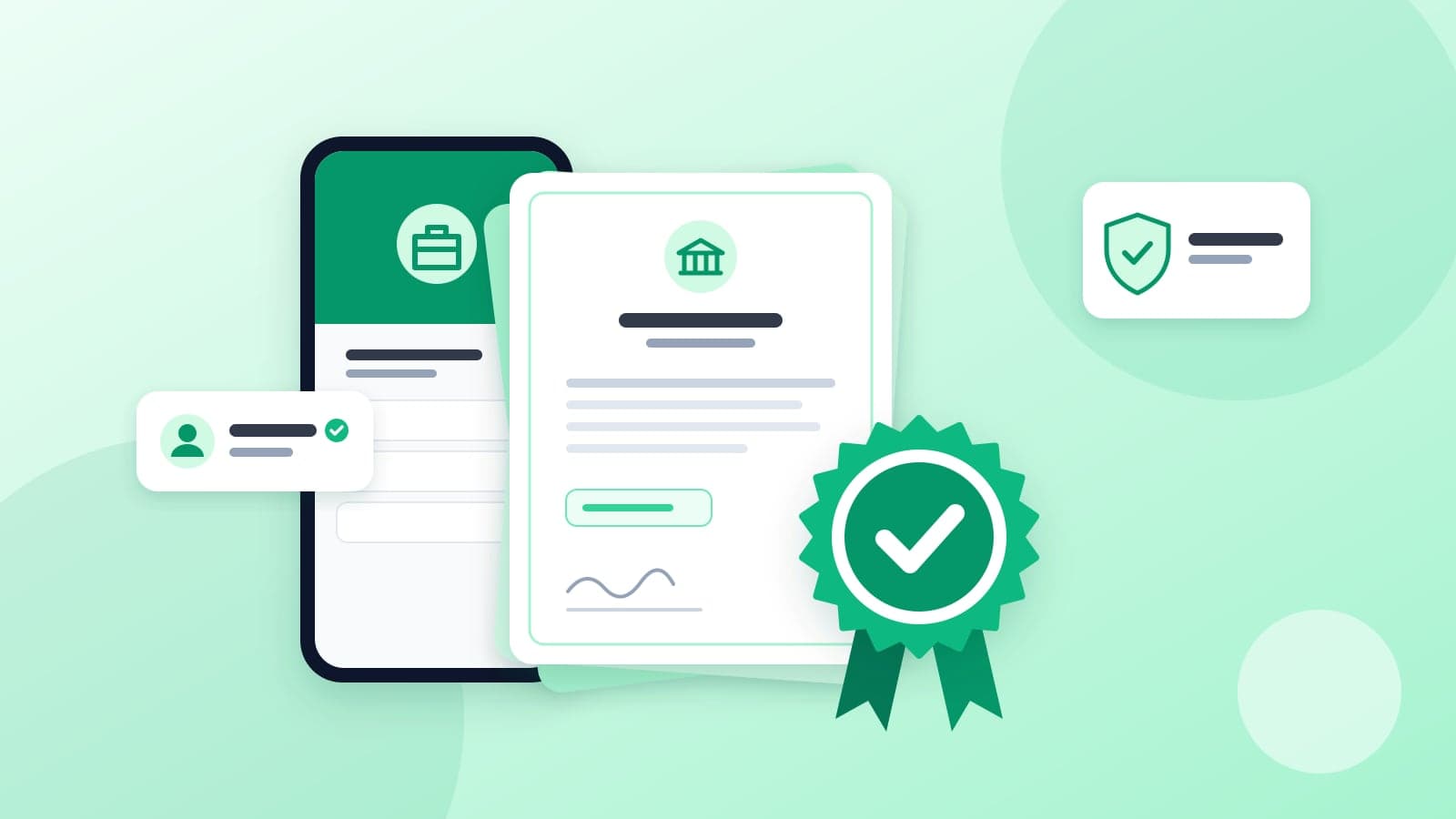
- Business verification, display name approval and the green tick (official business account) are three separate reviews, in that order.
- Business verification needs proof of registration, a matching website and a domain email address.
- Most rejections come from mismatches: the business name, category or website not matching your documents exactly.
- A clean verification application is usually reviewed within a few business days; each rejection sends you back into the queue.
- The green tick is not guaranteed after verification. Meta also looks at whether your brand is notable.
Three reviews that people confuse
"We want the green tick" is usually the first thing a business owner says about WhatsApp. It is also the last of three separate reviews Meta runs, and the only one that is not guaranteed. Knowing which review you are in saves weeks of confusion.
| Review | What Meta checks | What you get |
|---|---|---|
| Business verification | That a real, legally registered business is behind the account | Full API access and the ability to scale beyond starting message limits |
| Display name approval | That the name shown to customers fairly represents your business | Your business name shown in chats instead of just a number |
| Official business account | That your brand is verified, authentic and notable | The verified badge most people call the green tick |
Each step depends on the one before it. You cannot apply for the badge until business verification is complete, and the badge is shown next to the display name Meta approved.
Step 1: Meta business verification
This is the bottleneck most businesses hit first. Meta wants to confirm that the company behind the WhatsApp number exists and is who it says it is. You will need:
- Proof of legal existence: a company registration certificate, GST certificate or equivalent.
- A website or public online presence that matches your business name.
- A business email address on your own domain, not a free Gmail or Yahoo address.
Why applications get rejected
Most rejections are avoidable mismatches. The four that come up again and again:
- Business name mismatch. The name in Meta Business Manager does not match your legal registration or website exactly. Even "Pvt Ltd" versus "Private Limited" can trigger a review.
- No verifiable online presence. A bare or under-construction website is a common cause. Meta needs to find your business online and see that it is real.
- Phone number already in use. The number must be removed from any WhatsApp or WhatsApp Business app registration first.
- Category mismatch. The business category you picked does not match what your website or documents describe.
How long it takes
A clean application with matching documents is typically reviewed within a few business days. Applications sent back for mismatches can take several weeks to resolve, because each resubmission re-enters Meta's review queue. Getting the documents right the first time is the biggest factor in how fast this goes.
What verification changes for you
Unverified accounts can start on the API, but Meta keeps them on its starting tier for business-initiated messages. That cap is fine for testing and too low for a coaching institute sending fee reminders to a full batch or a D2C brand confirming a day's orders. Verification is the prerequisite for moving beyond that starting tier. Higher limits after that depend on how much you send and on your quality rating, which drops when customers block or report your messages. The current limits and how they scale are in Meta's documentation.
Verification is also the gate for the badge. Without it, there is no route to official business account status.
Step 2: Display name approval
The display name is what customers see at the top of the chat. Meta reviews it against its display name guidelines, and the core idea is simple: the name should clearly belong to your business and be easy to verify from your public presence.
In practice, names that pass share a few traits:
- The same name appears on your website and branding, so Meta can connect the two.
- It is your brand name, not a generic phrase such as "Best Dentist Delhi."
- It uses normal capitalisation. All caps is only accepted for genuine acronyms.
- It has no emojis, decorative symbols or extra punctuation.
Suppose a dental clinic is registered as "Smilecare Dental Clinic LLP" and its website says "Smilecare Dental." Either form is a reasonable display name, because both clearly point to the same business. "Smilecare ✨ Best Dental Offers" is not, because it mixes the brand with an emoji and a promotional phrase.
Step 3: The green tick (official business account)
The badge shown next to a business name in WhatsApp chats comes from Meta's official business account (OBA) review. It is a separate application you make after business verification is complete, usually through your BSP or WhatsApp Manager.
Here is the part sales pitches skip: verification does not entitle you to the badge. Meta applies its own criteria around brand notability. In plain terms, it looks for evidence that your business is well known and that people search for it, typically through coverage in independent news publications. Paid placements and promotional articles do not carry the same weight.
What strengthens an application
- Business verification already approved and a display name already approved.
- Two-step verification turned on for the WhatsApp number.
- Links to genuine, independent press coverage of your brand.
- A consistent brand name across website, social profiles and the WhatsApp profile.
If the request is declined, Meta allows you to apply again after a waiting period. Use that time to build real evidence rather than resubmitting the same links.
What about Meta Verified?
Meta also offers Meta Verified for businesses, a paid subscription with its own identity checks and a verified badge. Availability, eligibility and pricing vary by market and by whether you use the app or the API. Check business.whatsapp.com for what applies to your account before paying anyone who promises a badge.
Doing it yourself vs getting help
You can complete all three reviews yourself through Meta Business Manager. The forms are not hard. What costs time is a rejection: you often get a short reason, fix one thing, resubmit, and wait again.
That is the gap Mecverse's verification assistance covers. We review your documents before submission, correct mismatches up front, and handle resubmission if Meta asks for changes. Fees are listed on the WhatsApp Business API pricing page, and the full requirements are on the business verification guide.
Verification is one step in a longer setup. If you have not yet decided whether you need the API at all, read WhatsApp Business App vs API first.
Pre-submission checklist
Run through this before you click submit in Meta Business Manager.
- Registration or GST certificate ready as a clear PDF or image, with the legal name visible.
- Business name in Meta Business Manager matches that document exactly, suffix included.
- Website is live, complete and shows the same business name, address and contact details.
- You have an email address on your website's domain and can receive mail on it.
- Business category in Meta Business Manager matches what your website describes.
- Display name chosen, matches your branding, no emojis or generic terms.
- Two-step verification ready to enable on the number once it is registered.
- If you want the badge later, a list of independent press links about your brand.
For the official process and current rules, refer to Meta's WhatsApp Business Platform documentation.
Frequently asked questions
Get your documents checked before Meta sees them
Send us your registration and website details and we will flag mismatches before you submit, so your application clears the first time.
Keep reading
WhatsApp Business
Best WhatsApp chatbot in 2027
A WhatsApp chatbot is not a personality. It is the front desk after 7pm, answering hours, price, location, and what is included, then stopping. The moment it guesses a fee or expla
9 Oct 2026 · 8 min read
WhatsApp Business
WhatsApp Business API Pricing in India: What You Actually Pay
How WhatsApp Business API pricing works in India: Meta's per-message charges, which messages are free, BSP subscriptions, and setup fees, with a way to estimate your monthly bill.
7 Oct 2026 · 6 min read
WhatsApp Business
WhatsApp Business App vs API: Which One Does Your Business Need?
The free WhatsApp Business app and the WhatsApp Business API solve different problems. Compare cost, team access, automation and limits to pick the right one.
7 Oct 2026 · 5 min read