Remote Attendance Tracking: Records, Approvals and Payroll Export
How remote and hybrid teams can keep attendance records payroll can trust: a session-based record, written policy rules, exception-only approvals and a clean export.
By the Mecverse team · 7 Oct 2026 · 6 min read
Key takeaways
- For remote and hybrid teams, the unit of attendance is a work session with a start, an end and a status, not a single daily punch.
- Write the attendance policy (grace windows, rounding, overtime, leave types) before choosing software, because every report is computed from it.
- Managers should approve exceptions such as manual entries and edits, not every normal day.
- Generate payroll figures as a draft, review exceptions, then lock the period before export so numbers cannot drift after sign-off.
- Keep an audit trail of who changed or approved what; it settles disputes faster than any screenshot.
Why remote attendance breaks at month end
For most of the month, attendance in a remote or hybrid team looks fine. People post "in" in a Slack channel, someone keeps a shared spreadsheet, leave requests arrive by email. Then payroll closes. HR has to turn all of that into payable days, overtime and deductions for every employee, and the gaps show up at once:
- An employee says they worked a Saturday. There is no record either way.
- A manager approved leave over chat, but the spreadsheet still shows an absence.
- Two people logged hours in different time zones, and the totals disagree by a day.
- Someone edited last week's row in the spreadsheet, and nobody knows who or why.
None of these are dramatic. Together they turn a payroll close into days of messages and manual corrections, and they make every disputed deduction a matter of one person's word against another.
Office teams can lean on a door reader or a biometric terminal. Remote teams cannot, so the record has to come from the software people use to start and end their work. That changes what a good attendance record looks like.
What a trustworthy attendance record contains
A single daily check-in is not enough for distributed work. People split their day, work across projects and sometimes forget to clock out. The more useful unit is a session: one continuous block of work with its own start, end and status.
| Field | Why it matters |
|---|---|
| Person and team | Reports roll up by team, department or cohort. |
| Start and end time, stored in UTC | Avoids time-zone drift when people work across regions. Display in local time. |
| Duration | The input for payable hours and overtime. |
| Source (live session or manual entry) | Manual entries need review; live sessions usually do not. |
| Project or shift | Needed for client billing and shift-based summaries. |
| Status (pending, approved, rejected) | Only approved time should flow into payroll. |
| Change history | Shows who edited or approved a record, and when. |
Write the attendance policy before you pick a tool
Every number on a payroll report is the output of a policy rule. If the rules only exist in someone's head, two people will compute two different answers from the same sessions. Write these down first:
- Working pattern. Fixed shifts, flexible hours with a daily minimum, or a weekly hours target. Hybrid teams often need more than one pattern.
- Grace windows. How late a start can be before it counts as a late arrival, and the same for early departures.
- Rounding. Whether durations round to the nearest 5, 15 or 30 minutes, and in which direction. Rounding always in the employer's favour invites disputes.
- Overtime threshold. Daily, weekly or both, and whether overtime needs prior approval.
- Leave types. Paid, unpaid, sick, and how each one affects payable days.
- Holidays. A holiday calendar per location, since a distributed team rarely shares one.
- Missing data. What happens when a session has no end time. Auto-close at shift end and flag it, or treat it as incomplete until someone fixes it.
Approvals that managers will actually do
Approval flows fail when they ask too much. If a manager has to approve every session of every person every day, they will bulk-approve without looking, and the approval stops meaning anything. Design for exceptions instead.
What should need approval
- Manual sessions added after the fact ("I forgot to start the timer").
- Edits to an existing session's start or end time.
- Overtime above the policy threshold.
- Leave requests, checked against the remaining balance.
What usually should not
- Normal live sessions inside the expected working pattern.
- Public holidays already on the calendar.
Keep leave and attendance in one place
Most month-end mismatches come from leave approved in one system and attendance recorded in another. When a leave request is approved, the days it covers should stop showing as absences automatically. If your leave lives in email and attendance lives in a spreadsheet, someone has to reconcile the two by hand every month, and that is where the errors creep in.
Make it fast
Give managers one pending list, with bulk approval for clean batches and a reason field for rejections. Set a cut-off a few days before payroll closes, and send a reminder for anything still pending. Every decision should record who made it and when, so a disputed deduction can be traced in a minute.
From approved records to a payroll export
The export is where small errors become pay errors. A disciplined close looks the same every month:
- Pick the period and population. The pay period, plus the team, department or role being processed.
- Apply the policy template. Grace windows, rounding and overtime thresholds, the same ones every month unless the policy changed.
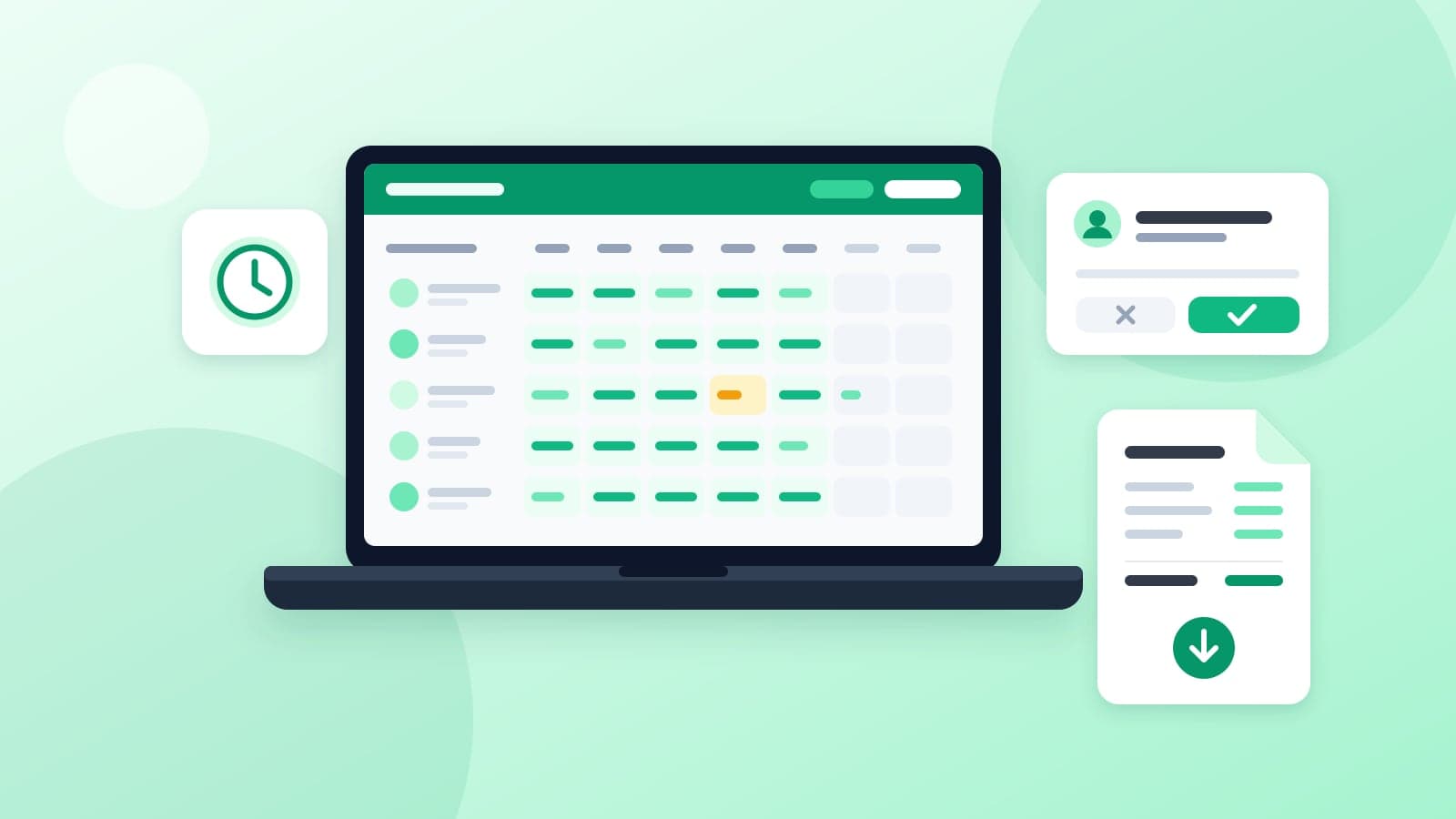
- Generate a draft. Payable days, unpaid absences, late arrivals, early departures and overtime per person.
- Review exceptions only. Pending approvals, sessions without an end time, people with zero recorded days, unusual overtime.
- Lock the period. After lock, late changes go in as adjustments in the next period rather than silent edits to a closed month.
- Export. CSV for the payroll system, PDF for the approval and audit file.
| Export column | Notes |
|---|---|
| Employee ID | Match the payroll system's ID, not an email address. |
| Payable days | After paid leave and holidays are applied. |
| Unpaid absence days | Drives deductions, so it should trace back to specific dates. |
| Overtime hours | Approved overtime only. |
| Late and early counts | Only if your policy attaches pay consequences to them. |
Where WorkClave fits
WorkClave is Mecverse's attendance and session analytics product, built around the workflow above. It records attendance and engagement from work sessions and turns verified sessions into reports teams can review for payroll and compliance.
- Session records: session-level attendance with identity, duration and attendance state, plus audit trails for review.
- Policy-aligned totals: policy templates for grace windows, rounding rules and overtime thresholds, producing payable days, unpaid absences, late arrivals, early departures, overtime and shift-based summaries.
- Draft, review, lock: generate a draft, review exceptions, then lock the report for export.
- Reports and exports: daily and monthly attendance registers, session audit reports, engagement summaries by team or cohort, and anomaly reports, exported as CSV or PDF.
WorkClave is in pilot access. The public documentation covers report types and payroll outputs, and pilots start with a conversation about your session model and policy. You can also see the product at workclave.com. If part of your team works on site and you need hardware at the door, our attendance systems page covers that side.
A month-end attendance checklist
Use this before every payroll close, whatever system you run:
- Written policy is current, and any change this month is dated and communicated.
- Holiday calendars are loaded for every location in the pay period.
- All manual sessions and edits are approved or rejected, none pending.
- All leave requests for the period are decided and balances updated.
- Sessions without an end time are resolved.
- Draft totals reviewed for outliers: zero days, unusually high overtime, repeated short sessions.
- Period locked; later corrections queued as next-period adjustments.
- CSV sent to payroll and PDF filed with the approval record.
If this list takes more than an afternoon, the problem is usually upstream: rules that are not written down, or approvals that pile up until the last day. Fix those first, then decide whether a dedicated tool would save you the rest.
Frequently asked questions
Talk to us about a WorkClave pilot
Share your session model and attendance policy, and we will walk through how WorkClave would produce your payroll exports.
Keep reading

Attendance
Best attendance software in 2027
Attendance software is the system that can answer, a week later, who was present, for which session, and whether anyone changed the row. A daily tick in a sheet answers that until
12 Oct 2026 · 8 min read
Attendance
Biometric Attendance Systems: Fingerprint vs Face vs Card
How to choose a biometric attendance device for your office: fingerprint, face or card, what to check before buying, and how punches turn into payroll.
7 Oct 2026 · 6 min read

Attendance
Best payroll software in 2027
People searching for payroll software usually want three things: the month’s payable days, the deductions, and a payslip that will not be argued about on WhatsApp. The second and t
16 Sept 2026 · 8 min read