AI Chatbots for Business Websites and WhatsApp: How to Scope One
What an AI chatbot on your website or WhatsApp does well, where it fails, how to scope FAQs, lead capture and human handoff, and what drives the running cost.
By the Mecverse team · 7 Oct 2026 · 6 min read
Key takeaways
- AI chatbots are good at answering repeat questions from your own material at any hour, and bad at anything that needs judgement, live data they cannot see, or an apology.
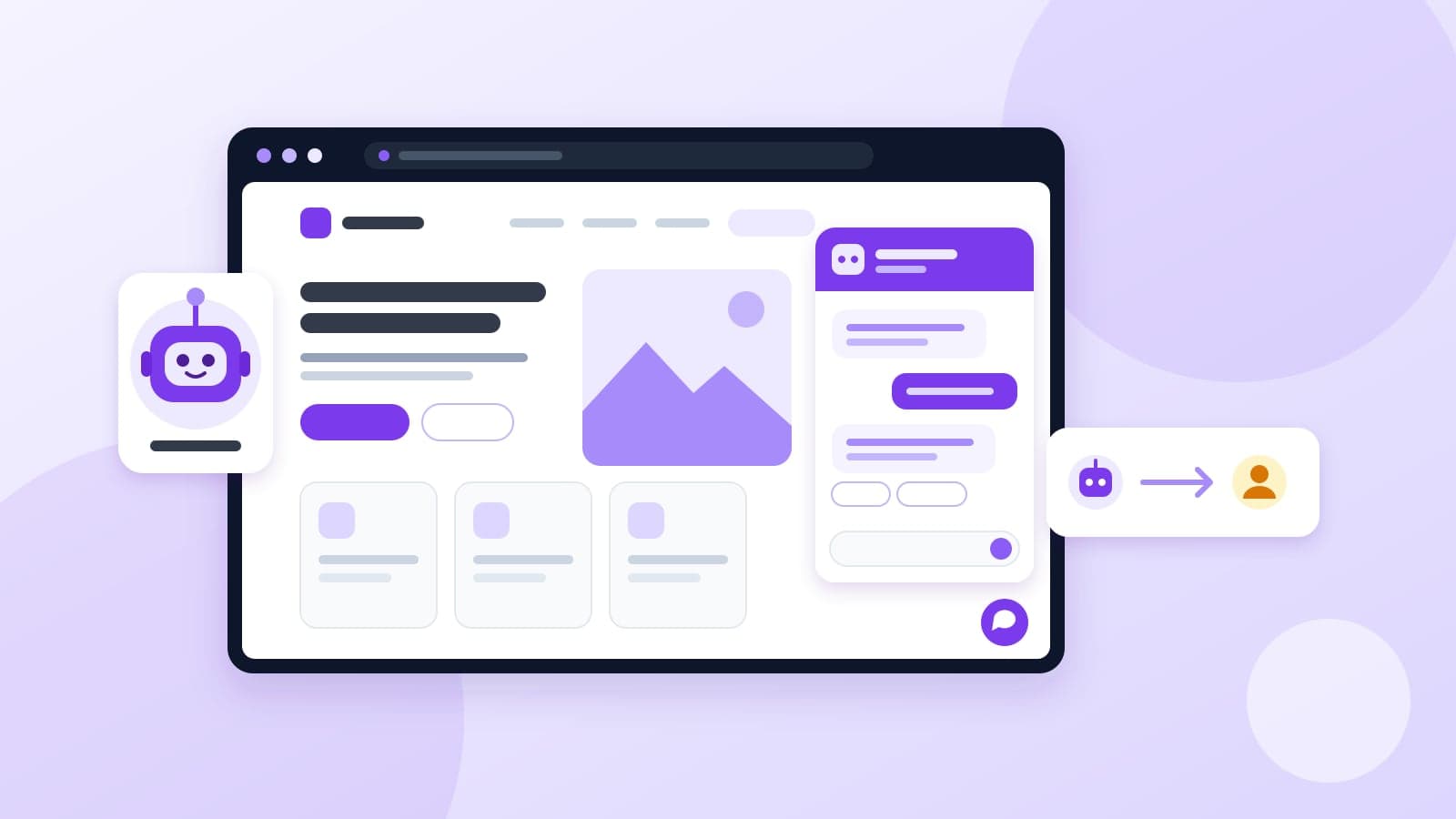
- Scope the bot around three jobs: answer FAQs from approved sources, capture a lead, and hand off to a human when unsure.
- The most important rule is that the bot says it does not know instead of guessing a price or policy.
- Running cost has three parts: model usage per conversation, hosting or platform fees, and on WhatsApp, Meta's per-message charges for business-initiated templates.
- Plan for a weekly transcript review in the first month. That is where wrong answers get caught.
The problem a chatbot is meant to solve
A physiotherapy clinic gets the same eight questions every day. What are your timings? Do you do home visits? How much is the first session? Is there parking? Many of these arrive on WhatsApp after 9pm, when the front desk has gone home. By morning, some of those people have booked somewhere else.
That is the honest case for an AI chatbot. It is not "AI for your business" in general. It is a narrow tool for answering repeat questions instantly, at any hour, and passing the serious enquiries to a person.
Modern chatbots are built on large language models, which means they handle loosely worded questions far better than the old menu-driven bots ("Press 1 for timings"). They also make mistakes in new ways. This guide covers both, and how to scope a bot so the mistakes stay small.
What AI chatbots are good at, and where they fail
| Works well | Goes wrong |
|---|---|
| Timings, location, fees, services offered | Prices or policies it was never given, which it may invent |
| Questions phrased in many different ways | Information that changed but was not updated in its material |
| Collecting a name, number and requirement | Live data it cannot see: stock, slot availability, order status |
| Answering at 2am and on holidays | Complaints, refunds and angry customers who want a person |
| Explaining a process step by step | Medical, legal or financial advice specific to the person |
The pattern is simple. The bot is reliable when the answer exists in material you gave it and does not depend on the individual asking. It is unreliable the moment it has to fill a gap.
The failure that costs the most
Language models are built to produce a fluent answer. Left unchecked, a bot asked "Do you offer EMI on the 12-month course?" may say yes because it sounds plausible. Now a customer has a screenshot of your business promising something you do not offer.
The fix is a rule, set during build and tested before launch: answer only from approved material, and when the answer is not there, say so and offer a person. Every bot Mecverse builds works this way. When it does not know, it collects a contact instead of guessing.
How to scope a chatbot: three jobs, written down
Most chatbot projects that disappoint were never scoped. Someone said "add a chatbot" and the bot got the whole website as its material. Write a one-page scope around three jobs instead.
Job 1: Answer FAQs from approved material
List the 20 to 30 questions customers actually ask. Your front desk or WhatsApp history is the best source. For each, note the correct answer and where it lives (price list, policy document, services page). That list becomes the bot's material and its test set.
It does not need to be polished. A list in a notebook or in someone's head is a fine starting point, as long as someone writes it down once.
Job 2: Capture leads
Decide exactly what the bot should collect, and when:
- Fields: usually name, phone number and the requirement in one line. A coaching institute might add the student's class. Every extra field loses some people.
- Trigger: when the visitor asks about pricing, booking or anything the bot cannot answer.
- Destination: where the lead goes (email, a WhatsApp group, a CRM) and who owns follow-up.
- Consent: tell people what you are collecting and why. India's Digital Personal Data Protection Act applies to names and numbers collected this way.
Job 3: Hand off to a human
Define the handoff rules before launch:
- The bot does not have the answer in its material.
- The customer asks for a person, in any wording.
- The message is a complaint, refund or anything emotional.
- The question needs advice or live data the bot cannot see.
Then decide what the customer is told. "Our team will reply by 10am tomorrow" is far better than a vague "someone will get back to you". Make sure that promise matches reality.
Website chat vs WhatsApp: what changes
The same assistant can run on both channels, but the plumbing and rules differ.
| Aspect | Website chat widget | |
|---|---|---|
| Setup | A script added to your site | WhatsApp Business API account and Meta business verification |
| Who starts the chat | A visitor already on your site | Anyone with your number, often from an ad or a shared link |
| Follow-up | Only if you captured a contact | The conversation stays in their WhatsApp |
| Messaging rules | Your own | Meta's: approved templates for messages you start |
On WhatsApp, replies inside the customer service window (24 hours from the customer's last message) can be free-form, which is where a chatbot does its work. Messages your business starts outside that window must use a pre-approved template. Meta's pricing documentation explains the current categories and rates.
Meta business verification is the step that most often slows a WhatsApp launch. Our verification guide covers the documents needed and the common rejection reasons.
What an AI chatbot costs to run
Be wary of anyone who quotes a single flat price without asking how many conversations you expect. The running cost depends on usage, and it breaks into a few parts.
- Setup and training. A one-time fee to gather your material, build the bot, test it against real questions and connect it to your channels.
- Model usage. Each reply uses an AI model, which is billed by volume. More conversations, and longer ones, cost more.
- Hosting or platform. Where the bot runs, plus any chat or WhatsApp platform subscription.
- WhatsApp message charges. Meta bills per message by category and country. Service replies to customer messages are free; Marketing, Utility and Authentication templates are charged. Our WhatsApp API pricing page breaks down how these costs stack up.
- Your team's time. Someone answers the handoffs and keeps the material up to date. This is the cost people forget.
This is why Mecverse quotes chatbots as a one-time setup and training fee plus a monthly fee covering hosting and conversation volume, priced against your expected enquiries rather than a published flat rate. To get a useful quote from any provider, bring two numbers: roughly how many enquiries you get a month, and what share arrive on WhatsApp versus the website.
Your next steps: a launch checklist
Before you speak to any provider, or before you build one yourself, get these down on paper.
- List the 20 to 30 questions customers ask most, with correct answers.
- Write the "never say" list.
- Choose lead fields and where leads go.
- Write the handoff rules and the reply-time promise.
- Pick the channel: website, WhatsApp or both.
- Estimate monthly enquiry volume per channel.
- Test the bot with your FAQ list, your "never say" list and a few deliberately odd questions before it meets a customer.
- Read transcripts every week for the first month and correct wrong answers.
- Name one person who updates the material when prices or timings change.
Two numbers tell you if it is working: how many conversations end with a correct answer or a captured lead, and how many wrong answers you find in the weekly review. If the second number is not falling, the material or the rules need work.
If you would rather have it built and tested for you, see how we approach an AI chatbot for website and WhatsApp. We collect your material, show you the answers before launch, and monitor the first weeks.
Frequently asked questions
Want a chatbot that answers from your own material?
We build AI assistants for your website and WhatsApp, trained on your services, prices and policies, with handoff to your team.
Keep reading
AI
Best voice AI infrastructure in 2027
Teams building a product that talks do not lose the month on the prompt. They lose it on formats. Twilio sends mulaw at 8 kHz. Deepgram wants PCM at 16 kHz. ElevenLabs returns audi
13 Oct 2026 · 8 min read
AI
How to Practise Interviews Out Loud (Not Just in Your Head)
Typed answers fall apart when you have to say them. A practical routine for rehearsing interviews out loud, handling follow-ups and reviewing your transcript.
7 Oct 2026 · 7 min read
AI
How to Run a Fair First-Round Voice Screen With an AI Interviewer
When an AI voice screen fits your hiring, how to set it up fairly with invite links, what to review afterwards, and which decisions must stay with people.
7 Oct 2026 · 7 min read