Internal Support Triage: Stop Losing Issues in Slack and Sentry
Internal requests scatter across Slack DMs, Sentry alerts and GitHub issues. How to build one intake queue, triage and dedupe well, and route work to an owner.
By the Mecverse team · 7 Oct 2026 · 6 min read
Key takeaways
- Internal support breaks down at intake, not at resolution: if a request has no ID, owner and status, it is not being tracked.
- Capture requests where people already work (Slack, error monitoring, the repo) instead of forcing everyone into a portal.
- Deduplicate by root cause before routing, or one bad deploy becomes forty tickets and forty interrupted engineers.
- Use AI for classification, deduplication and routing suggestions; keep humans on judgment calls and anything destructive.
- Write the ownership map first. Routing rules, human or automated, are only as good as the map behind them.
Where internal requests go missing
Someone in finance posts in #help-it that the expense tool keeps logging them out. A product manager DMs an engineer about a broken export. Sentry fires the same exception 300 times after a deploy, and three people open three GitHub issues about it. By Friday, nobody can say which of these were fixed, which are still open, and who was supposed to handle them.
That is the normal state of internal support at most growing companies. The work itself is usually not hard. The problem is that requests arrive through channels that were never designed to track work:
- Slack threads scroll away. A message with a thumbs-up emoji looks handled even when nobody picked it up.
- Direct messages route work to whoever the requester happens to know, not to whoever owns the system.
- Error monitoring alerts repeat for every occurrence, so the signal that matters is buried under copies of itself.
- Repo issues live where engineers work, but the person who reported the problem never sees them move.
The usual fix is to buy a traditional ITSM tool and ask everyone to file tickets in a portal. Adoption is poor because the portal is one more place to go, and per-agent pricing means only a few people get seats. The rest keep using Slack, and you are back where you started with an extra tool.
Build one intake queue without moving everyone
The goal is not to stop people from using Slack. It is to make sure every request that arrives anywhere becomes a tracked item in one queue. A tracked item has four properties, and if any one is missing, the request is effectively lost:
- An ID that people can reference in conversation.
- An owner, meaning one named person or team, not a channel.
- A status that changes as work happens, visible to the requester.
- Context: the original message, the error, the affected system, links.
Capture at the source
For each channel where requests show up today, decide how a message becomes a ticket. In Slack that is usually a mention or a shortcut on a message. For error monitoring it is an alert rule with a minimum severity. For the repo it is a sync between issues and tickets so status stays consistent in both places. Email can forward to an intake address.
Close the loop where the request started
If someone asked in a Slack thread, post the ticket ID and status changes back into that thread. This one habit does more for adoption than any policy memo. People stop chasing updates in DMs when updates come to them.
Triage, deduplicate, then route
Once everything lands in one queue, the order of operations matters. Teams that route first and deduplicate later end up paging three engineers for one root cause.
1. Classify
Tag each item with a type (access request, bug, incident, how-to question, hardware), the affected system and a first-pass priority. A short, fixed list of types beats a long taxonomy nobody applies consistently.
2. Deduplicate by root cause
Exact-match dedup catches identical alerts. It misses the more expensive case: the Sentry exception, the Slack message saying "checkout is broken" and the GitHub issue titled "500 on /orders" that all describe the same failure. Linking these into one parent item means one owner works the problem and everyone else gets the update for free.
3. Route by ownership, then by impact
Routing needs an ownership map: which team owns which system, and who is on call for it right now. Then adjust priority by business impact rather than by how loudly the request was made. A typo on an internal dashboard reported by an executive is still a typo. A failing payroll job reported quietly by an intern is still urgent.
| Signal | Typical route | Priority driver |
|---|---|---|
| Production error spike after a deploy | On-call engineer for the owning service | Users affected, revenue path involved |
| Access or permissions request | IT or platform team | Whether someone is blocked from working |
| Bug in an internal tool | Team that owns the tool | Number of people affected, workaround available |
| How-to question | Answer from docs, then a human if unresolved | Usually low, unless it blocks a deadline |
Where AI helps in triage, and where it should not decide
Triage is repetitive pattern matching on short text, which is exactly what language models are decent at. It is also where a wrong decision is cheap to correct, as long as a human can see and override it.
Good jobs for AI in an internal support queue:
- Turning a casual Slack message into a structured ticket with a title, type and affected system.
- Spotting that a new item is semantically the same as an open one, even when the wording differs.
- Suggesting an owner from the ownership map and past routing.
- Answering routine how-to questions from existing documentation, with the ticket still recorded.
- Raising priority when a ticket touches a system tagged as business critical.
Keep humans on:
- Anything destructive or irreversible, such as deleting data or revoking access broadly.
- Incident declaration and customer communication.
- Changes to the ownership map and priority rules themselves.
Whatever you automate, log it. Every AI classification, merge and routing decision should be visible on the ticket so the person who receives it can see why, and correct it when it is wrong. Those corrections are also the best signal for tuning your rules.
Where FlowTux fits
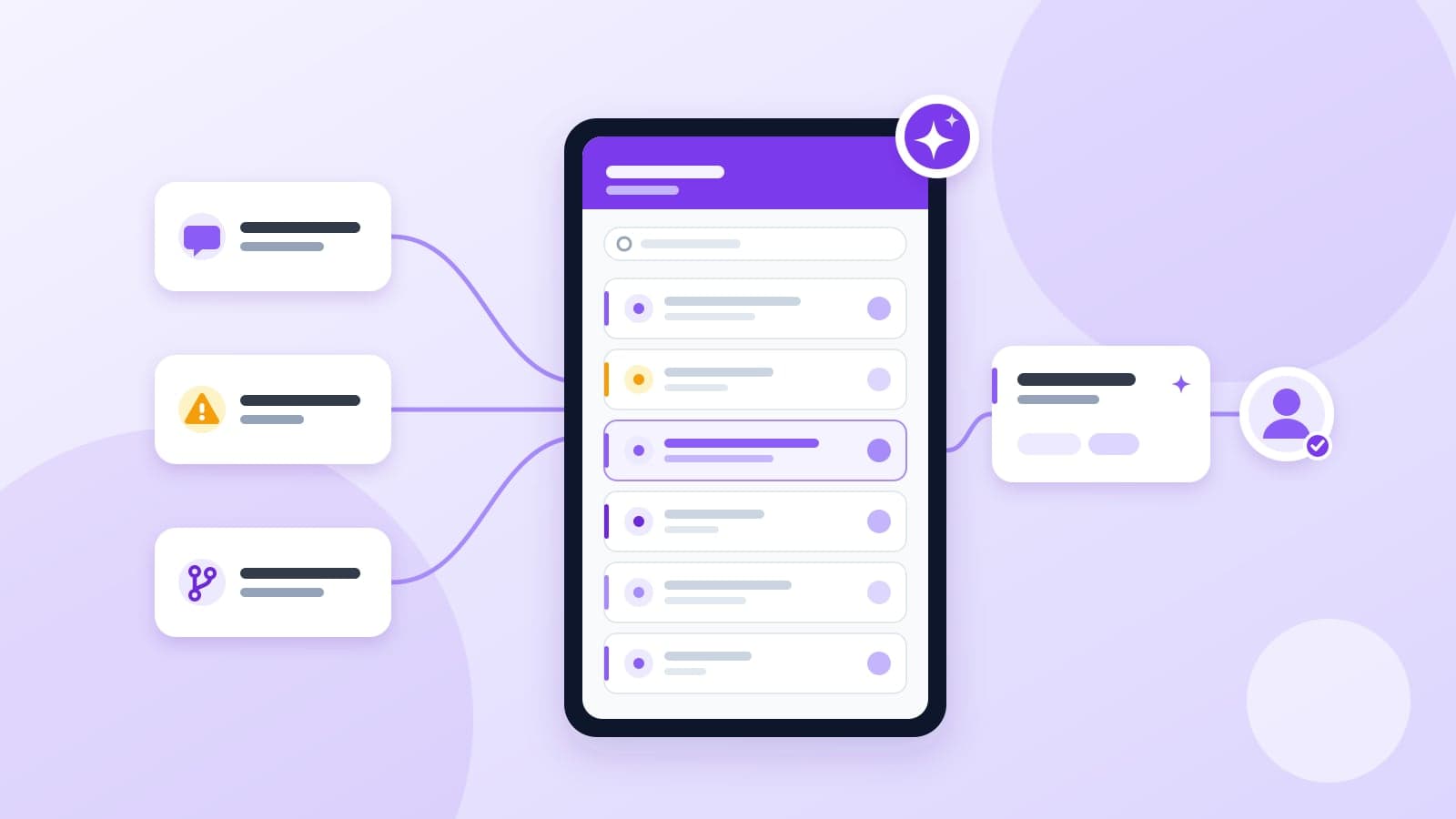
FlowTux is the internal support platform we build at Mecverse, and it follows the approach above. Requests from Slack, Sentry, GitHub and email land in one tracked queue, and its assistant, Tux AI, does the first pass of triage.
- Slack intake: a Slack message becomes a structured ticket with context, owner and status, without leaving the channel.
- Sentry triage: duplicate Sentry errors are collapsed semantically so the real signal is not buried, and the remaining issues are routed to an engineer.
- GitHub sync: tickets and GitHub issues stay in sync in both directions, so nobody copies status by hand.
- Routing and priority: tickets are routed by content and business impact, with auto-assignment to on-call, and Tux AI can raise priority on issues that affect something important.
- Auto-resolution: routine tickets can be resolved by Tux AI so people handle only the ones that need a human.
Pricing on the product page is a flat $99 per month with no per-agent fees, which addresses the seat problem that pushes most of a company back into Slack DMs. FlowTux is currently offered through guided evaluation: you review the public documentation, then validate workflow fit with our team before rollout.
A rollout checklist for your first 30 days
Whichever tool you use, roll it out in this order. Each step is small enough to finish in a few days.
- Audit intake. List every channel where internal requests arrive today, with rough weekly volume for each.
- Write the ownership map. One line per system: owning team, on-call rotation, escalation contact.
- Connect the two noisiest sources first. Usually that is one Slack help channel and your error monitoring. Leave the rest for week two.
- Set alert thresholds. Decide the minimum error severity that creates a ticket, so the queue does not fill with warnings.
- Turn on deduplication before routing. Review merges daily for the first week to catch bad links.
- Post status back to the requester. Confirm that the original thread or reporter gets the ticket ID and the resolution.
- Review weekly. Look at misrouted tickets, reopened tickets and anything older than a week. Fix the ownership map before you add new rules.
If you want to see how this looks with Slack, Sentry and GitHub connected, a guided evaluation is the fastest way to test it against your own channels.
Frequently asked questions
See FlowTux on your own support channels
Book a guided evaluation to connect Slack, Sentry and GitHub and test triage and routing against real requests.
Keep reading

Products
Best internal helpdesk software in 2027
Internal helpdesk software fails when it is a portal nobody opens. The request was already typed in Slack. The error was already in Sentry. The issue was already filed in GitHub by
8 Oct 2026 · 8 min read
Products
Real-Time Stream Routing for Voice AI, LLM Tokens and Webhooks
Voice agents and LLM apps break on plumbing: codec mismatches, SSE fan-out, webhook signatures, per-stage latency. A practical guide to routing real-time streams.
7 Oct 2026 · 6 min read
Products
Best internal helpdesk software in 2026
Internal helpdesk software fails when it is a portal nobody opens. The request was already typed in Slack. The error was already in Sentry. The issue was already filed in GitHub by
28 Jan 2026 · 8 min read