Can ChatGPT, Claude and Perplexity See My Website? A 10-Minute Check
A step-by-step check any business owner can run in 10 minutes to see whether AI assistants can read their website, plus how to fix the common problems.
By the Mecverse team · 7 Oct 2026 · 6 min read
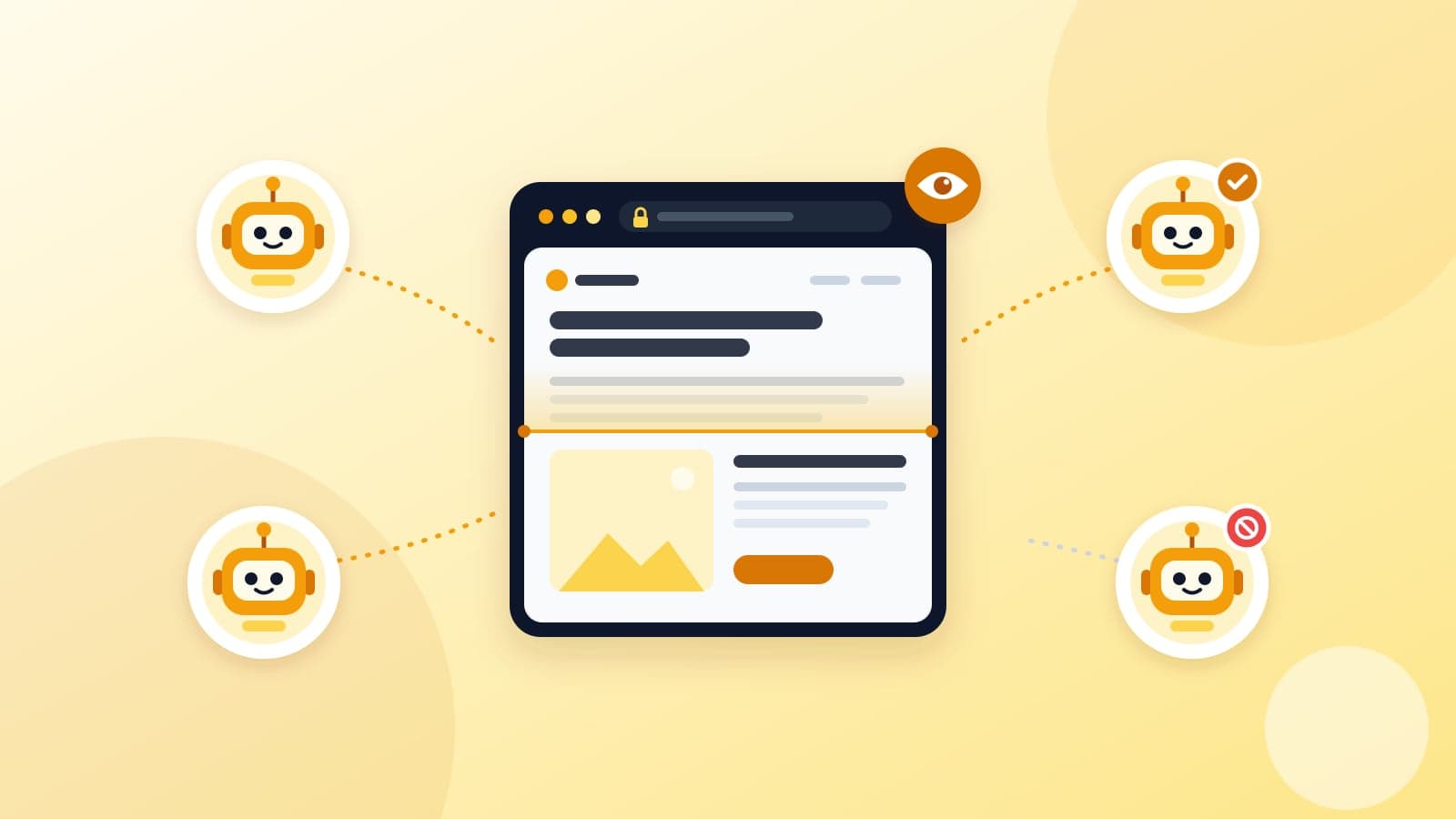
Key takeaways
- AI assistants send their own bots to read websites. If those bots are turned away, your pages cannot be quoted in their answers.
- Three things block them: rules in a file called robots.txt, firewall or security settings, and pages whose text only appears after JavaScript runs.
- Blocking training bots such as GPTBot is a policy choice. Blocking search and user bots such as OAI-SearchBot or PerplexityBot removes you from live answers.
- You can check all of this in about 10 minutes with a free checker and your browser's View Source.
- Most fixes are a settings change or a short message to whoever manages your website.
Why this matters for a small business
Say you run a coaching institute in Pune. A parent opens ChatGPT or Perplexity and asks which institutes near them offer weekend batches for Class 11. To answer, the assistant may send a bot to read the websites it finds. If that bot is blocked at your door, your weekend batch page cannot appear in the answer, however good it is.
The frustrating part is that you will not see this happen. Your website loads fine in your own browser. Google may still list you. But AI assistants use their own bots, and those bots can be blocked by settings you never knowingly chose.
Being readable does not guarantee you will be mentioned. AI assistants choose sources in their own ways. But if they cannot read your site at all, you are out before the choosing starts. This check makes sure you are at least in the running.
Know the bots: training, search and user fetch
AI companies run different bots for different jobs. This matters because you might want to block one kind and allow another.
- Training bots collect pages that may be used to train future AI models.
- Search bots build the index an AI assistant searches when it answers a question.
- User fetch bots load a page the moment someone asks the assistant about it.
| Company | Search | User fetch | Training |
|---|---|---|---|
| OpenAI (ChatGPT) | OAI-SearchBot | ChatGPT-User | GPTBot |
| Anthropic (Claude) | Claude-SearchBot | Claude-User | ClaudeBot |
| Perplexity | PerplexityBot | Perplexity-User | None listed |
| Google (Gemini) | No separate AI bot | Google-Extended (a robots.txt token) | |
The short version: if you want to appear in AI answers, the search and user fetch bots must be allowed. Whether you allow the training bots is your call, and blocking them does not take you out of live answers. Our article on training bots vs answer bots covers this choice in more detail.
The 10-minute check, step by step
You need a laptop, your website address, and one important page in mind, such as your main service or course page.
Minutes 0 to 2: run the checker
Open the free AI Crawlability Checker, type your homepage address and press Run check. It needs no sign-up. It reads your robots.txt, then requests your page pretending to be each of 16 AI bots, and compares what they get with what a normal browser gets. You get a score out of 100 and a list of checks marked Pass, Warn, Fail or Info. Run it again for your important page, because rules can differ from page to page.
Minutes 2 to 4: read the AI crawlers table
Each bot gets two columns. Read them like this:
| robots.txt | Live fetch | What it means |
|---|---|---|
| Allowed | OK | This bot can read the page. |
| Blocked | OK | Your robots.txt file tells this bot to stay away. Polite bots will obey. |
| Allowed | Blocked | Your rules say yes, but your firewall, hosting or security plugin is refusing the bot. |
| Blocked | Blocked | Both layers are saying no. |
Focus on the search and user fetch rows first. A blocked training bot may be a deliberate choice. A blocked search bot almost never is.
Minutes 4 to 6: look at your robots.txt yourself
Type your address followed by /robots.txt into the browser, for example yourinstitute.in/robots.txt. It is a short text file. Two patterns cause most trouble:
# Blocks every bot from the whole site
User-agent: *
Disallow: /

# Blocks one AI search bot by name
User-agent: OAI-SearchBot
Disallow: /
The first is often left behind when a site goes live after being built on a test address. The second is sometimes added by a plugin or a well-meaning developer. If you see either and did not ask for it, note it down.
Minutes 6 to 8: check that your words exist without JavaScript
Most AI bots read the raw page the server sends and do not run JavaScript. If your website builds its text in the browser, they see an almost empty page. The checker reports how many words are present before JavaScript runs. Under about 50 words is a fail, and 200 or more is a pass.
To see it yourself, open your page, press Ctrl+U (or Cmd+Option+U on a Mac) to view the source, then press Ctrl+F and search for a sentence you can see on the page. If it is not there, AI bots probably cannot read it either.
Minutes 8 to 10: scan the rest of the report
- Page directives. A
noindextag tells search engines and AI search to drop the page. Anoaitag asks AI systems not to use it. - H1, title and description. These tell a bot what the page is about. Missing ones are a quick fix.
- Response time. Under one second passes. Over three seconds fails, because bots answering a live question do not wait long.
- Sitemap and llms.txt. A sitemap lists all your pages. An llms.txt file is a short summary of your site for AI tools. It is a community convention rather than a formal standard, so treat a warning here as a nice-to-have.
How to fix the common problems
You do not need to fix these yourself. You do need to know who to ask and what to ask for.
| Problem | Who usually fixes it | What to ask for |
|---|---|---|
| robots.txt blocks AI search or user bots | Your web developer, or you in the SEO plugin settings | "Allow OAI-SearchBot, ChatGPT-User, Claude-SearchBot, Claude-User, PerplexityBot and Perplexity-User." |
| robots.txt returns an error | Web developer or hosting provider | "Make /robots.txt load normally, or return not found if we do not need one." |
| Live fetch blocked by firewall | Whoever manages your CDN, hosting or security plugin | "Check the AI bot blocking setting and allow the AI search bots." |
| Very few words without JavaScript | Web developer | "Make the main text appear in the HTML the server sends (server-side rendering or prerendering)." |
| noindex on a page you want found | Web developer, or the page settings in your CMS | "Remove noindex from this page." |
| Missing title, description or H1 | You, in your CMS page settings | Write a clear page title, a one-line description and a main heading. |
| No sitemap | Web developer or SEO plugin | "Publish /sitemap.xml and list it in robots.txt." |
A robots.txt that allows AI search but not training
If you decide you want to appear in AI answers but not have your pages used for training, a starting point looks like this:
User-agent: GPTBot
Disallow: /

User-agent: ClaudeBot
Disallow: /

User-agent: Google-Extended
Disallow: /

User-agent: *
Allow: /

Sitemap: https://yourinstitute.in/sitemap.xml
Bots not named in their own group follow the User-agent: * rules, so the search and user bots are allowed here. If you want everything allowed, the last group on its own is enough.
Let an AI coding assistant do the work
If your website code is in a project folder, the checker has a Copy AI fix prompt button. It copies every issue it found, with the required fix, as one instruction you can paste into Claude Code, Cursor, Codex or a similar tool opened in that code. Your developer can use the same prompt.
Your checklist and a message for your developer
Work through this list after your first check:
- Run the checker on your homepage and your two or three most important pages. Save the PDFs.
- Decide on training bots: allow or block. Write the decision down so it does not get reversed by accident.
- Make sure every search and user fetch bot shows Allowed and OK.
- Confirm a sentence from each page appears in View Source.
- Fix any missing titles, descriptions or H1s yourself in your CMS.
- Send the message below with the PDFs for anything you cannot fix yourself.
- Run the check again after the fixes, and again whenever you redesign or change hosting.
Hi,

I ran an AI crawlability check on our site (aicrawlcheck.mecverse.com).
Reports attached. Please:

1. Allow AI search and user bots in robots.txt (OAI-SearchBot,
   ChatGPT-User, Claude-SearchBot, Claude-User, PerplexityBot,
   Perplexity-User). For training bots, we want to: <allow / block>.
2. Check our CDN or security plugin is not blocking these bots.
3. Fix the other Fail items in the report.

Please tell me what you changed and anything I need to do.
Thanks
If you do not have a developer, or would rather someone else handle it, our website care team can look after these fixes along with the rest of your site.
Frequently asked questions
Run the 10-minute check now
Test your site against 16 AI crawlers, your firewall and your raw HTML in one pass. Free, no sign-up.
Keep reading
Websites & SEO
On-Page SEO and Link Preview Checklist for Small Business Sites
A practical checklist for titles, meta descriptions, Open Graph tags, headings, canonical, robots.txt, sitemap and speed, so your site ranks and shares cleanly.
7 Oct 2026 · 6 min read
Websites & SEO
Website Maintenance for Small Businesses: What a Care Plan Covers
What website maintenance should include (hosting, updates, backups, uptime, small edits), what it should not, and how to judge a care plan before you sign.
7 Oct 2026 · 6 min read
AI
Best voice AI infrastructure in 2027
Teams building a product that talks do not lose the month on the prompt. They lose it on formats. Twilio sends mulaw at 8 kHz. Deepgram wants PCM at 16 kHz. ElevenLabs returns audi
13 Oct 2026 · 8 min read