DriftSocket
Expose your localhost to the world without compromising security. The developer tunnel designed for mission-critical webhooks and demos.
The Firewall Problem
Developing webhooks or sharing work for review usually implies deploying to a staging server or using flimsy, insecure tunneling tools that time out after 20 minutes.
Production-Grade Tunnels
DriftSocket provides persistent, authenticated URLs that funnel traffic directly to your machine. It's like having a dedicated fiber line to your localhost.
What It Actually Does
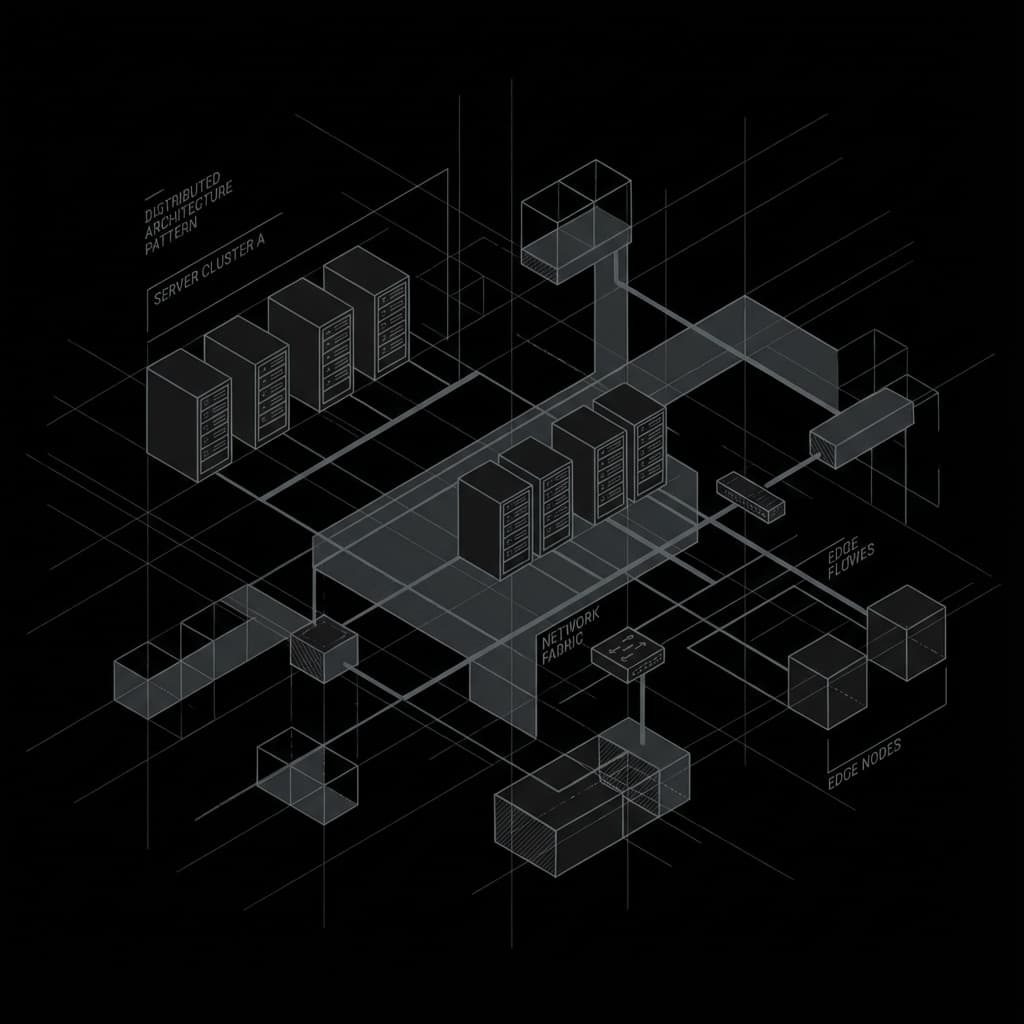
DriftSocket is a secure ingress layer that terminates at the edge and forwards traffic through an encrypted tunnel to your local service. It supports stable URLs, access controls, and request visibility designed for real webhook and demo workflows.
Active tunnels, request history, and debugging tools.
Tunnel Capabilities
Secure ingress for local development.
All traffic is TLS encrypted from the edge to your terminal. We can't see your data, and neither can anyone else.
Claim a custom subdomain (e.g., `api.my-dev.driftsocket.com`) that stays yours forever. No more random strings.
A built-in dashboard to replay, inspect, and debug incoming webhooks in real-time.
Put your tunnel behind Okta, Google, or GitHub login. Only your team can see your dev environment.
Smart routing finds the nearest edge node to you, keeping tunnel latency imperceptible.
Spin up a tunnel with `ds http 3000`. No config files required, but infinite configuration available.
Who Uses DriftSocket
Use cases for modern development, demos, and security-conscious teams.
Test inbound webhooks locally with stable URLs, inspection, and replay for reliable debugging.
Share secure preview environments with customers without exposing your laptop or public staging.
Keep dev endpoints private with identity-based access, allowlists, and audit trails.
Pricing & Access
DriftSocket is currently shared through preview access and team conversations.
For individual developers and demos.
- CLI tunnels
- Basic request history
- Shared links
Shared domains, controls, and collaboration.
- Stable hostnames
- Allowlists
- Replay + inspection
CLI commands and tunnel workflow reference.
- HTTP and TCP tunnels
- Access control flags
- Tunnel management